SDS100/SDS150 First-Hour Quick Start Guide: Free Download
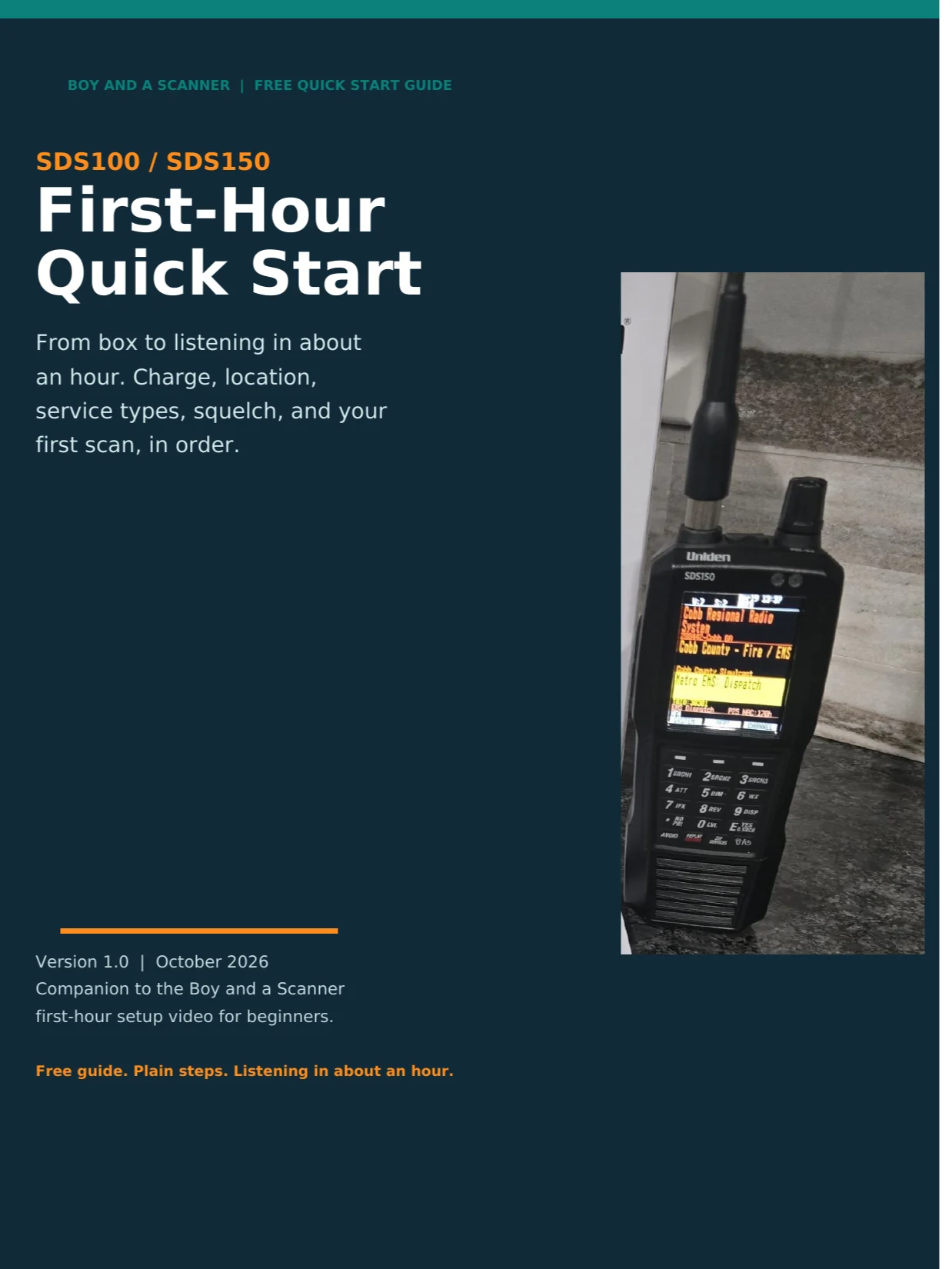
Just unboxed an SDS100 or SDS150 and staring at a silent scanner? This free guide gets you from box to listening in about an hour, in five steps, in order.
This free 11-page guide from Boy and a Scanner covers:
- Step 1: Charge it and turn it on (SDS100 charges in the radio over USB, SDS150 drops into its cradle, and no, you do not have to wait for a full charge)
- Step 2: Tell it where you are (one ZIP code loads your whole area, plus the range setting that decides how far out it listens)
- Step 3: Service types, the silent scanner fix (only five types are on by default, and this step is why new scanners sound dead)
- Step 4: Volume, squelch, and backlight (the knob moves that confuse every new owner for exactly one evening, plus the 10 second squelch test)
- Step 5: What the radio is scanning (the Full Database, what a Favorites List is, why you do not need one on day one, and how Avoids work)
- Honest limits: encryption cannot be monitored on any scanner, plus a straight note on simulcast
- Troubleshooting table: silence, static, dispatch-only traffic, missing agencies, far away traffic, dark screen, each with the first thing to check
- A printable one-page first-hour checklist with checkboxes, in order
Every menu path, default, and keypress is quoted from the Uniden SDS100 and SDS150 owner's manuals and the Boy and a Scanner SDS150 Field Guide, checked in October 2026. Plain steps, no manual-ese.
Free download, delivered by email as a PDF after checkout. Print the checklist page, keep it with the radio, and share the guide with anyone setting up a new scanner.
Companion to the Boy and a Scanner first-hour setup video for beginners. More free manuals and downloads at shop.boyandascanner.com.
Unofficial educational guide by Boy and a Scanner. Not affiliated with or endorsed by Uniden America Corporation.