SDS100 Battery Care and Safety Guide: Free Download
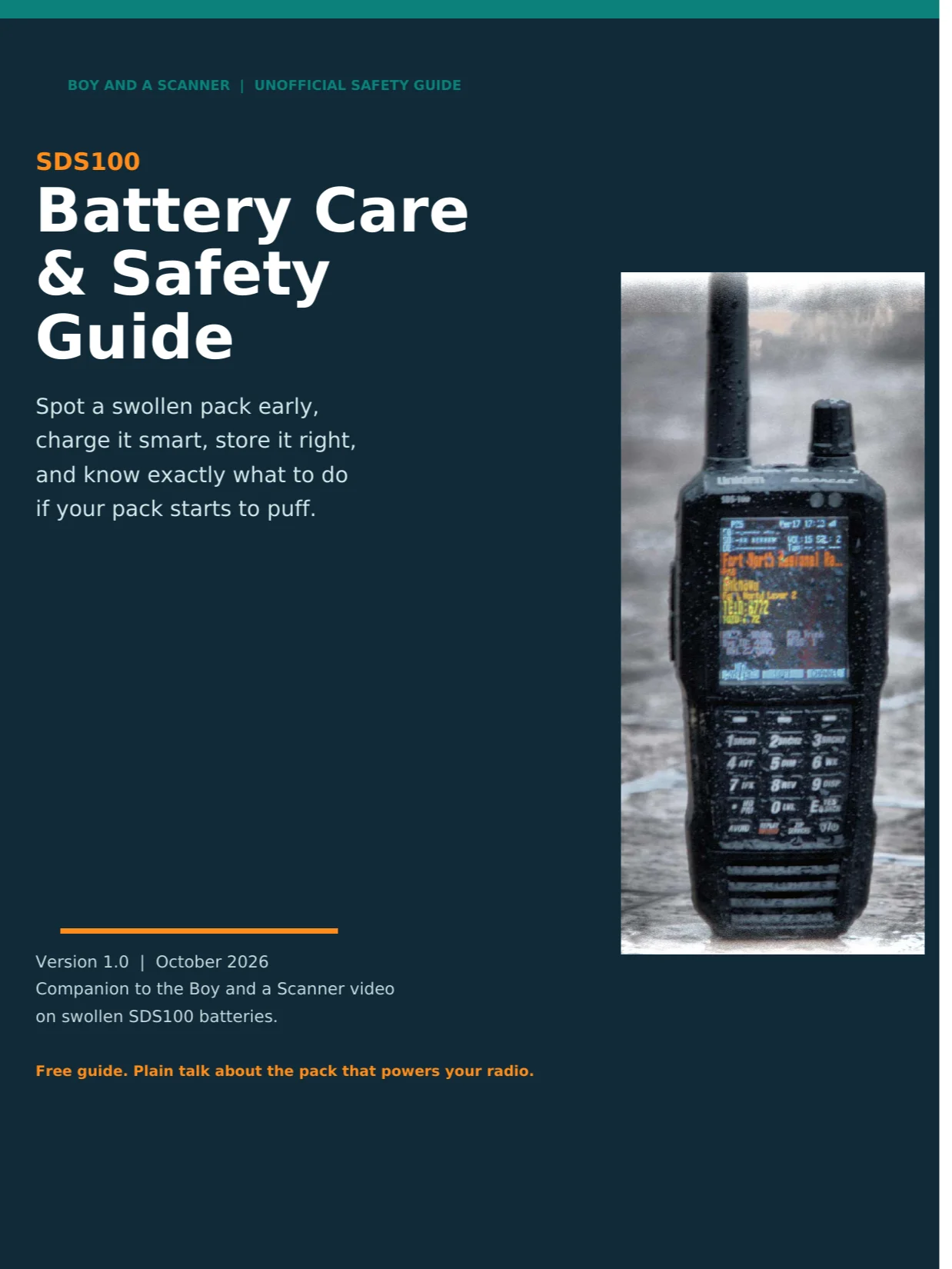
Is your SDS100 battery pack starting to swell? In October 2026, SDS100 owners in scanner groups and forums started posting photos of swollen battery packs: doors that no longer sit flat and packs puffed up like little pillows. This free guide from Boy and a Scanner shows you how to check your own pack, how to care for a healthy one, and exactly what to do if yours is swollen.
Inside the guide:
- Meet your battery pack: the BT-954 (3.7 V, 5,400 mAh), what the label tells you, and why lithium packs swell
- Charging do's and don'ts, including the charge light and the Charge While On setting
- The hot vehicle rule, plus storage rules for a radio that sits for months (written with RVers and travelers in mind)
- Spot a swollen pack: the full checklist, including the 10-second rock test
- If it is swollen: the complete safe routine in 7 steps, grounded in US EPA and Call2Recycle guidance, including why a swollen pack never goes in the trash or a regular drop-off box, and who to call instead
- Replacing the pack: how to buy the genuine BT-954 and the five checks to run before it goes in
- The 60 second check card: a one-page monthly check to print and keep where the radio charges
Straight talk, no scare tactics: these are community reports, not a recall, and the guide says so plainly. Sources are listed in the guide.
Free download, delivered by email as a PDF after checkout. Print the check card, keep the guide next to the radio, and share it with any SDS100 owner.
Companion to the Boy and a Scanner video on swollen SDS100 batteries. More free manuals and downloads at shop.boyandascanner.com, including the free SDS100 vs SDS150 Buyer's Guide and the SDS150 & SDS100 Waterfall Complete Manual.
Unofficial educational guide by Boy and a Scanner. Not affiliated with or endorsed by Uniden America Corporation.